What Makes a Good Scanner SDK? 6 Criteria for Choosing the Right Solution

Lucia Meusburger
Marketing kinegram.digital
Marketing kinegram.digital
Published: November 2, 2026
The best scanning SDK is not necessarily the one with the most features, but the one that performs reliably in your specific workflow. Six criteria are decisive: supported identifiers and standards, recognition accuracy and speed, security and privacy, integration flexibility, reliable vendor support, and long-term cost. Whether you need an MRZ scanner SDK, a barcode scanner SDK or a number plate recognition SDK, the right solution should be evaluated against your actual workflow requirements before implementation.
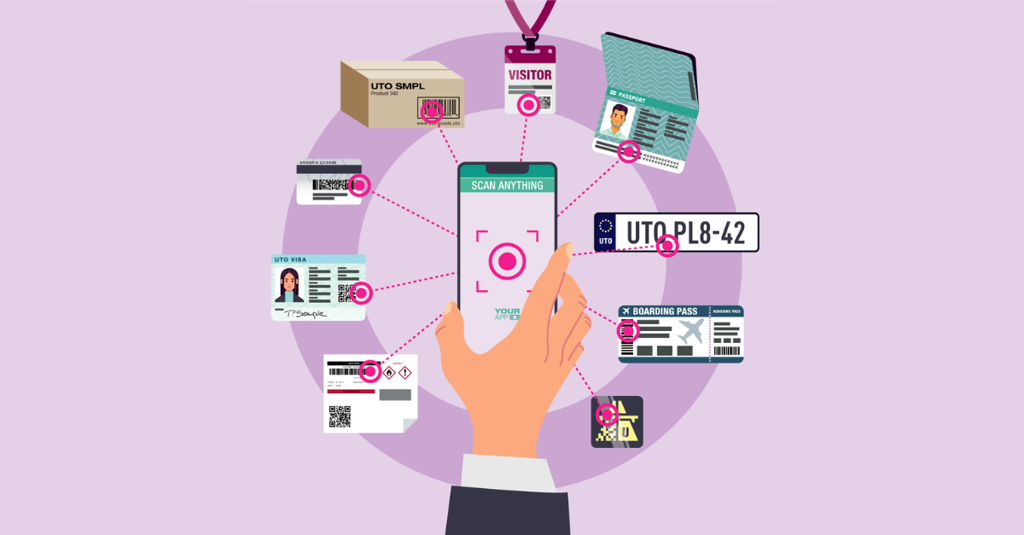
A scanner SDK (Software Development Kit) is a collection of software libraries, interfaces and development tools that enables developers to integrate scanning and data recognition capabilities directly into their own applications.
Rather than relying on a separate scanning application or dedicated hardware, a mobile scanning SDK can use the camera of a smartphone or tablet to recognize and extract information from machine-readable identifiers, such as barcodes, machine-readable zones (MRZs) on identity documents or vehicle registration plates.
These technologies fall within the broader field of Automatic Identification and Data Capture (AIDC), for which ISO/IEC 19762:2025 establishes internationally recognized terminology.
Choosing the right SDK matters because scanning is often only one step within a larger operational process. Poor recognition, difficult integration or unreliable performance can cause manual corrections, workflow interruptions and unnecessary costs.
But what actually makes a good scanning SDK?
An established reference for software quality is ISO/IEC 25010:2023, which defines a model for evaluating software products across nine quality characteristics. Drawing on this model, the following six practical criteria provide a framework for selecting a scanning SDK.
The first question is straightforward: Does the SDK reliably recognize the exact identifiers your application is designed to work with?
Different scanning tasks require different recognition technologies. A barcode scanner SDK must support the relevant barcode symbologies, such as QR Codes, Data Matrix, PDF417 or common linear barcodes. A MRZ scanner SDK must recognize the required machine-readable document formats. A number plate recognition SDK must cover the vehicle registration formats used in the target countries.
Support for international standards is equally important. For example, ICAO Doc 9303 defines machine-readable travel document specifications, while GS1 barcode standards support consistent data capture across supply chains.
Buyers should also distinguish between recognizing data and validating it. For instance, MRZ checksums can help detect incorrect or inconsistent data, but do not prove that a document is authentic. Reading a digitally signed code is likewise different from performing cryptographic signature verification.
The decisive factor is not the sheer number of supported formats, but whether the SDK supports and correctly processes the formats actually required.
An SDK may support a particular identifier on paper but still perform poorly under real operating conditions.
For this reason, recognition accuracy and scanning speed should be evaluated together.
Important questions include:
• How reliably does the SDK recognize identifiers under difficult lighting, reflections, camera movement or imperfect positioning?
• How quickly does it return accurate, usable data?
• Does it minimize false readings, repeated attempts and manual corrections?
• Can it operate consistently across the mobile devices used by the organization?
A particularly important consideration is the scanning mode.
Individual scanning is appropriate for processes in which one identifier is captured at a time, such as reading a passport MRZ during hotel check-in.
Continuous scanning is suitable for repeated capture tasks, such as checking vehicle number plates during field operations or scanning successive items in a logistics workflow.
The best scanning SDK should therefore deliver reliable performance and support the required scanning modes under realistic operating conditions, rather than only in controlled demonstrations.
Scanning often involves personal, confidential or business-critical information. A good scanner SDK must therefore support secure data capture and responsible data handling.
One fundamental question concerns the processing architecture: Where is the captured information processed, stored and transmitted?
Some solutions process information locally on the device. This enables offline recognition when the required recognition components are available locally and no online dependency is imposed. Server-based or cloud-based recognition requires a connection to the processing service; a cloud service normally requires internet connection. Neither architecture is automatically secure or insecure; both must be assessed against the organization’s requirements.
The OWASP Mobile Application Security Verification Standard provides a useful reference for evaluating mobile application security, including data storage, cryptography, network communication, application behavior and privacy.
Buyers should examine whether sensitive scan data is retained, transmitted or logged, which parties can access it, and how the SDK fits into the security and privacy controls of the incorporating application.
Offline functionality is another relevant criterion. Applications used in remote areas, transport operations or field inspections may need to continue scanning without an internet connection. Offline capability can improve operational continuity and reduce network dependencies, although it does not automatically guarantee greater security; and subsequent functions such as database checks or synchronization may still require connectivity.
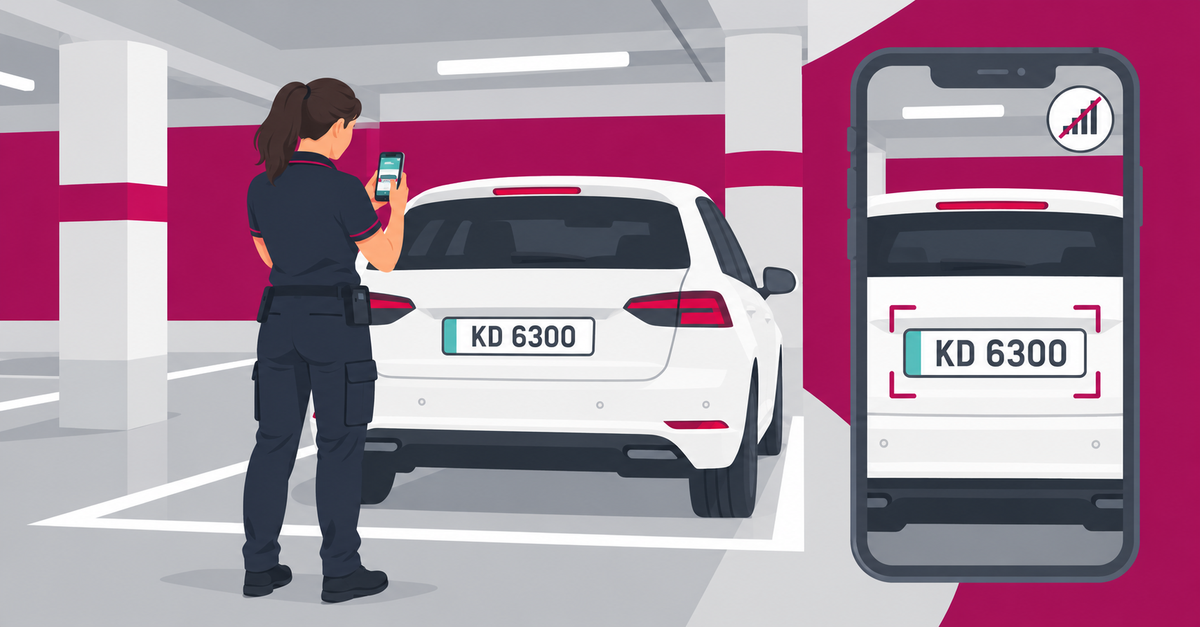
Ultimately, the SDK must fit into the security and privacy architecture of the incorporating application, including applicable data-protection requirements.
Even excellent recognition technology provides limited value if integration is difficult or the resulting workflow is cumbersome.
A scanning SDK should work with the customer’s existing applications, development environments and operational processes. Buyers should distinguish native platform integration from framework bindings and check the capabilities available through each route.
| Application Environment | Integration Route to Check | Key Evaluation Questions |
| Native Android | Android SDK and APIs | Does it support the required Android versions, camera permissions and application lifecycle? |
| Native iOS | iOS SDK and APIs | Does it fit the application’s Swift/Xcode environment, camera permissions and callback handling? |
| Flutter | Flutter plugin or binding to native SDKs | Are the required scan types, results and scanning modes available on both Android and iOS? |
| .NET MAUI / C# | Platform-specific bindings behind a shared application interface | Which Android and iOS functions are exposed? Check feature parity, result handling and any platform-specific verification limits. |
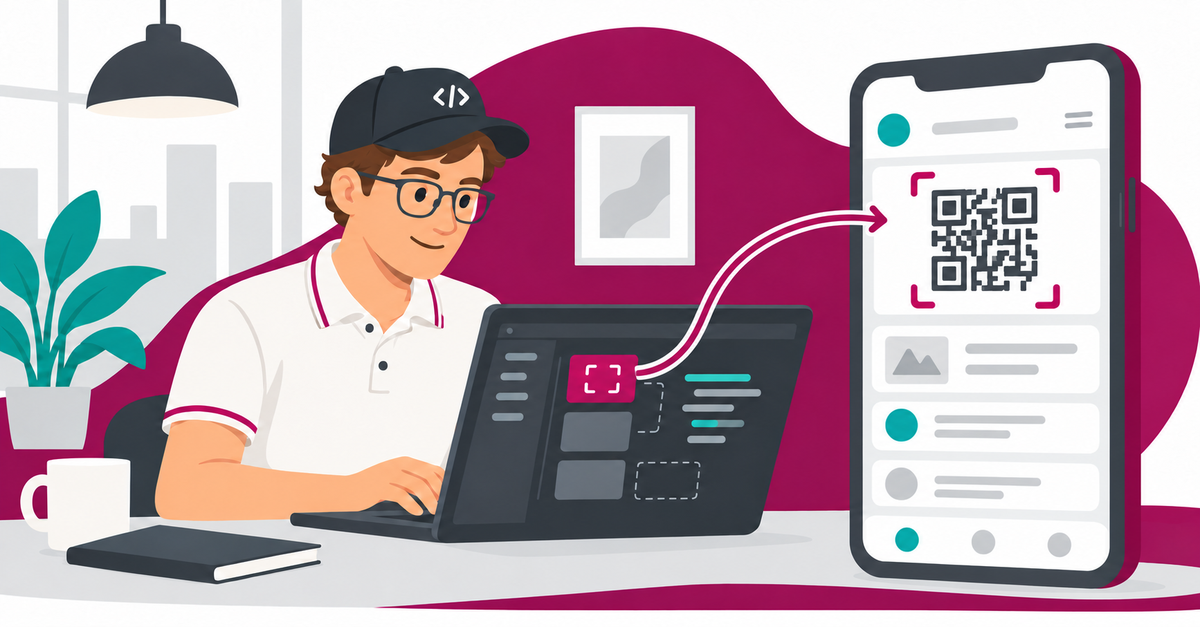
Buyers should also examine compatibility with target operating systems and development frameworks, the quality of APIs and documentation, and the effort needed to integrate the SDK into an existing application.
Equally important is the ability to create an efficient, intuitive user experience. Depending on the application, this may require guided scanning, immediate feedback, intuitive error handling and control over the final user interface.
Interface options can include a predefined scanning screen, a neutral, unbranded interface or extensive customization. The right choice depends on how closely the scanning component must fit an existing application, brand and business process.
Selecting a scanning SDK also means selecting a technology supplier.
An SDK becomes part of the customer’s software environment and may remain in use for years. Buyers should therefore consider how the supplier supports integration and develops, maintains, tests and supports the software.

The NIST Secure Software Development Framework (SP 800-218) provides an internationally recognized reference for secure software development practices. It can also support discussions between software customers and their suppliers.
Important selection questions concern credible customer references and experience, documentation and sample integrations, software maintenance and security updates, as well as reliable technical support and platform compatibility.
Commercial versus open-source SDKs: Open-source solutions may offer greater customization and lower initial licensing costs, but maintenance and support can require additional internal resources. Commercial SDKs may provide dedicated support and contractual assurances.
Neither approach is inherently superior; the decision depends on the required functionality, technical resources and total cost of ownership.
Finally, buyers should consider the total cost of using a scanning SDK, rather than focusing exclusively on licensing fees.
Relevant costs may include initial integration, developer effort, licensing models, ongoing maintenance, platform updates, required infrastructure and technical support.
Licensing arrangements can also differ substantially. Some solutions are licensed per device or per scan, while others offer subscriptions or fixed-fee models.
Organizations should assess which model best fits their expected usage and business requirements, while accounting for future expansion, maintenance and potential migration costs.
The right SDK should therefore offer an appropriate balance between technical performance, integration effort, supplier reliability and predictable operating costs.
A meaningful scanning SDK comparison should consider the environment in which the technology will actually be used. Different industries can have very different priorities.
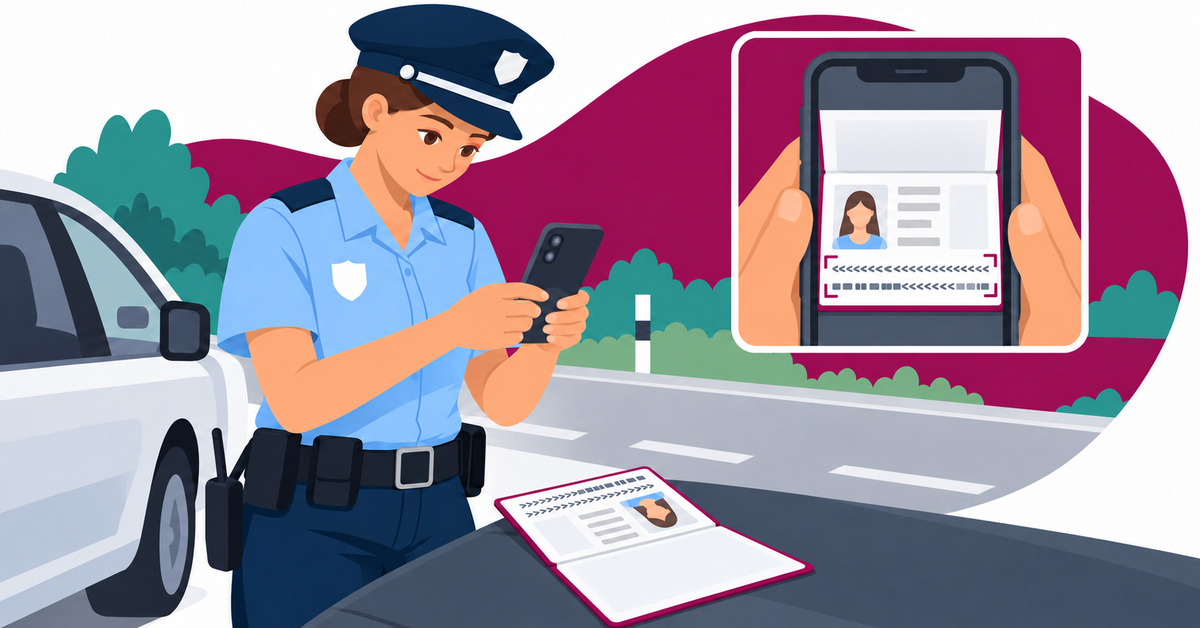
Police and public-order applications may need to capture MRZ data from identity documents, vehicle registration plates or machine-readable barcodes during routine checks and field operations.
Decisive selection criteria include secure data handling, accurate recognition, reliable field operation and integration into existing police systems. The UK National ANPR Standards illustrate the importance of data quality and controlled access in law-enforcement ANPR systems.
An SDK supporting multiple identifier types and offline operation can be particularly valuable for mobile applications used in demanding field conditions.

Travel-related workflows commonly involve machine-readable identity documents, boarding passes and other encoded credentials.
Airline and airport software providers may require both MRZ recognition and standardized boarding-pass barcode reading. IATA Resolution 792 defines the relevant machine-readable boarding-pass format and highlights the importance of compatibility with passenger-processing systems.
Hotels and hospitality technology providers may prioritize fast MRZ capture, intuitive user guidance and integration into existing guest-registration workflows. Smooth check-in and privacy-conscious handling of guest information are particularly relevant in this environment.
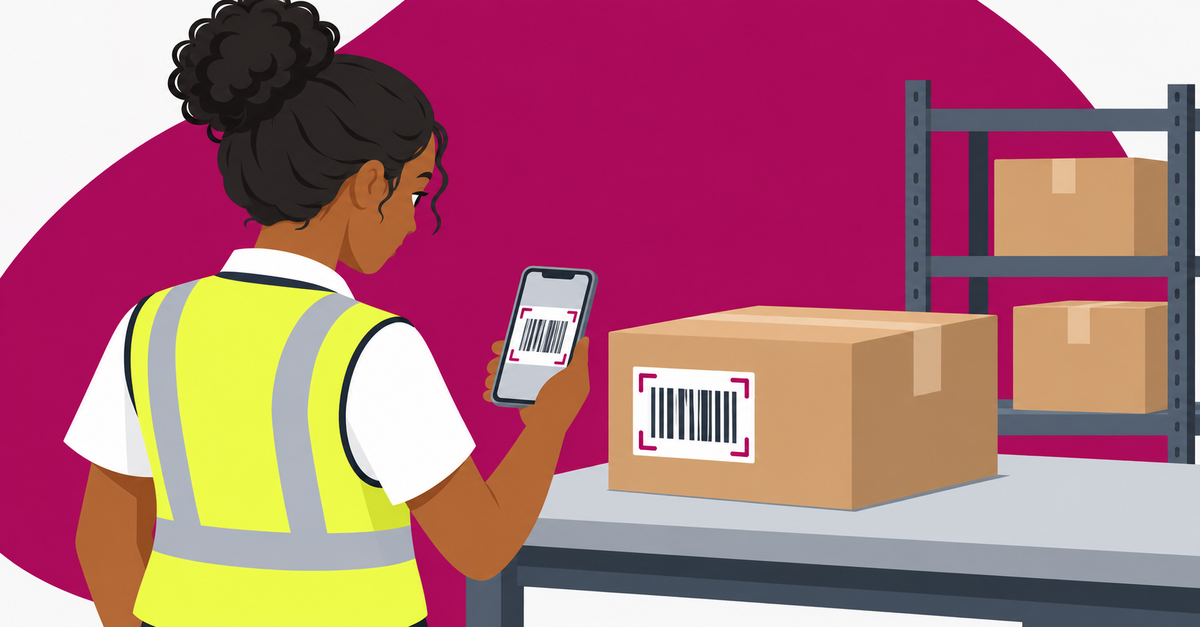
Logistics applications depend on reliable identification of parcels, shipments, containers and other operational assets.
The main priorities include reliable recognition of multiple barcode types, compatibility with applicable identification standards and efficient integration into existing logistics systems. The GS1 Logistic Label Guideline explains how standardized identifiers connect physical logistics units with related information.
Depending on the workflow, a logistics provider may require barcode capture alone or additional capabilities such as vehicle number plate recognition.
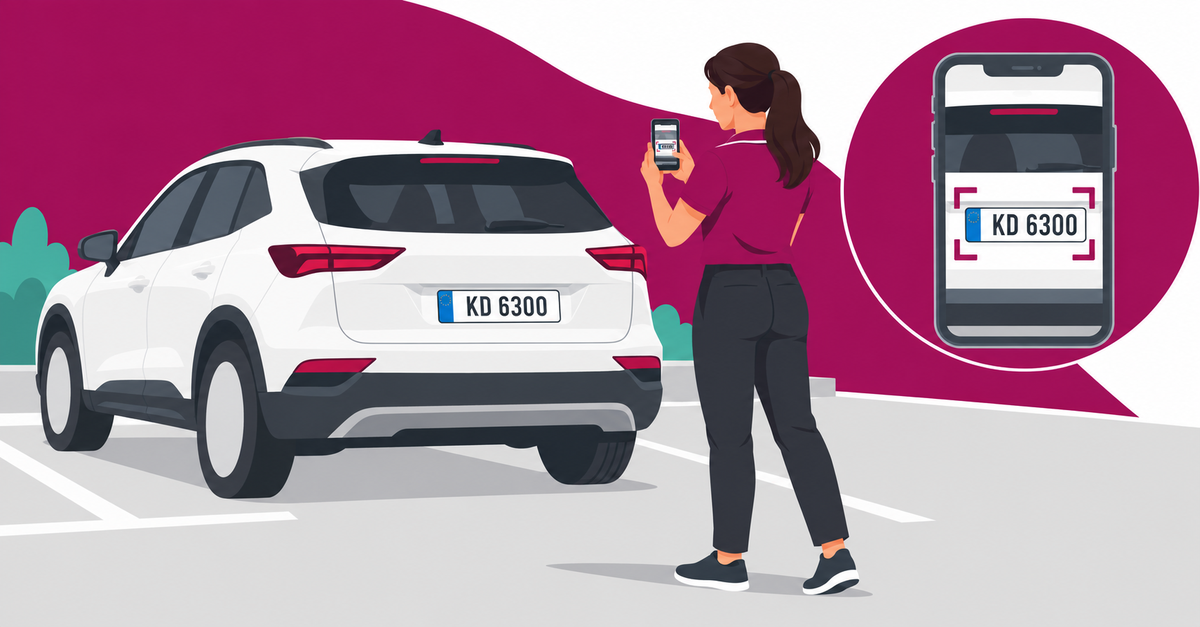
Parking enforcement providers, fleet operators, vehicle rental services and access-management applications may require fast and accurate recognition of vehicle registration plates.
Selection criteria for number plate recognition SDKs may include recognition accuracy, coverage of real-world plate formats, reliable operation under varying conditions and appropriate data protection. The UK’s Information Commissioner’s Office emphasizes data accuracy, necessity and proportionality in automated number plate recognition (ANPR) applications.
Buyers should distinguish a mobile SDK for reading registration plates from a complete ANPR system incorporating fixed cameras, monitoring infrastructure or database-matching functions.
Not every organization begins its evaluation from scratch. Some already use a scanning solution but are considering whether an alternative from another provider might better meet their requirements.
There can be several legitimate reasons for exploring scanning SDK alternatives.
When adopting an alternative scanning SDK, buyers should be aware that replacing an existing component can require adjustments to application code, user interfaces, data interfaces and maintenance arrangements.
Before deciding to replace a scanning SDK, organizations should therefore identify the shortcomings that genuinely affect operations, assess migration effort and compare the expected benefits with the costs and risks of switching.
A good scanning SDK comparison should answer a practical question: Will changing providers deliver a measurable improvement in performance, security, usability or cost without introducing disproportionate integration risk?
Once the relevant criteria have been identified, use this checklist to make a clear decision about each shortlisted solution.
Formats: Confirm that all mandatory identifiers, formats and standards are supported.
Performance: Check that recognition accuracy, speed and scanning modes (individual vs. continuous scanning) meet your operational needs.
Security: Verify that data handling, privacy and offline capabilities satisfy your requirements.
Integration: Establish whether the SDK fits your platforms, application architecture and desired user experience.
Supplier: Check technical support and reputation, documentation, software updates and security maintenance commitments.
Cost: Assess licensing, integration and long-term operating costs against your budget.
Final decision: Eliminate solutions that fail essential requirements. Among the remaining options, prioritize proven reliability, integration suitability and sustainable long-term value rather than the number of advertised features.
A good scanner SDK is defined by how reliably it meets the requirements of its intended application, not by the length of its feature list.
Supported formats, recognition performance, security, integration flexibility, supplier quality and long-term cost all matter — their relative importance depends on the workflow.
The best choice is a solution that meets all essential requirements, performs reliably in real-world conditions, and remains practical to integrate, operate and maintain.
MOBILE SCAN SDK from kinegram.digital provides fast and highly reliable camera-based scanning of identity document MRZs, 2D barcodes, Visible Digital Seals, ICAO Data Structure for Barcodes (IDB) and vehicle number plates within mobile applications. The solution, trusted and acclaimed by high-profile customers, supports offline operations and continuous scanning, with integration options for both Android and iOS.
Explore the MOBILE SCAN SDK product pages for supported capabilities and technical information.
Are you searching for a scanner SDK or considering an alternative to your current solution? Tell us about your application, the identifiers you need to scan and your integration requirements.
Required fields are marked with *.

© OVD Kinegram AG
Imprint | Privacy Policy | Image credits
Privacy Notice | Terms and Conditions
